
WinRest for iOS
Your WinRest POS on iPad and iPhone
WinRest for iOS connects to your WinRest system over your own Wi-Fi. Your floor plan, your menu, your employees and your prices, in the hands of your servers, live and in step with the terminals.
The Terminal, in Your Servers' Hands
WinRest for iOS is not a separate system. It is a window onto the WinRest you already run, so there is one menu, one set of prices and one set of reports.
Secure pairing
Each device is paired once with a one-time number from your WinRest station. After that the connection is encrypted and tied to your system, so only your own devices can reach your restaurant.
Sign in and punch clock
Employees sign in with their own WinRest password. Sign in and sign out for a shift from the same screen, just as on the terminal.
Your floor plan, live
The same rooms and tables you drew in WinRest, with live status and the table buttons you already use, pictures included. Zoom, scroll and change room with a touch.
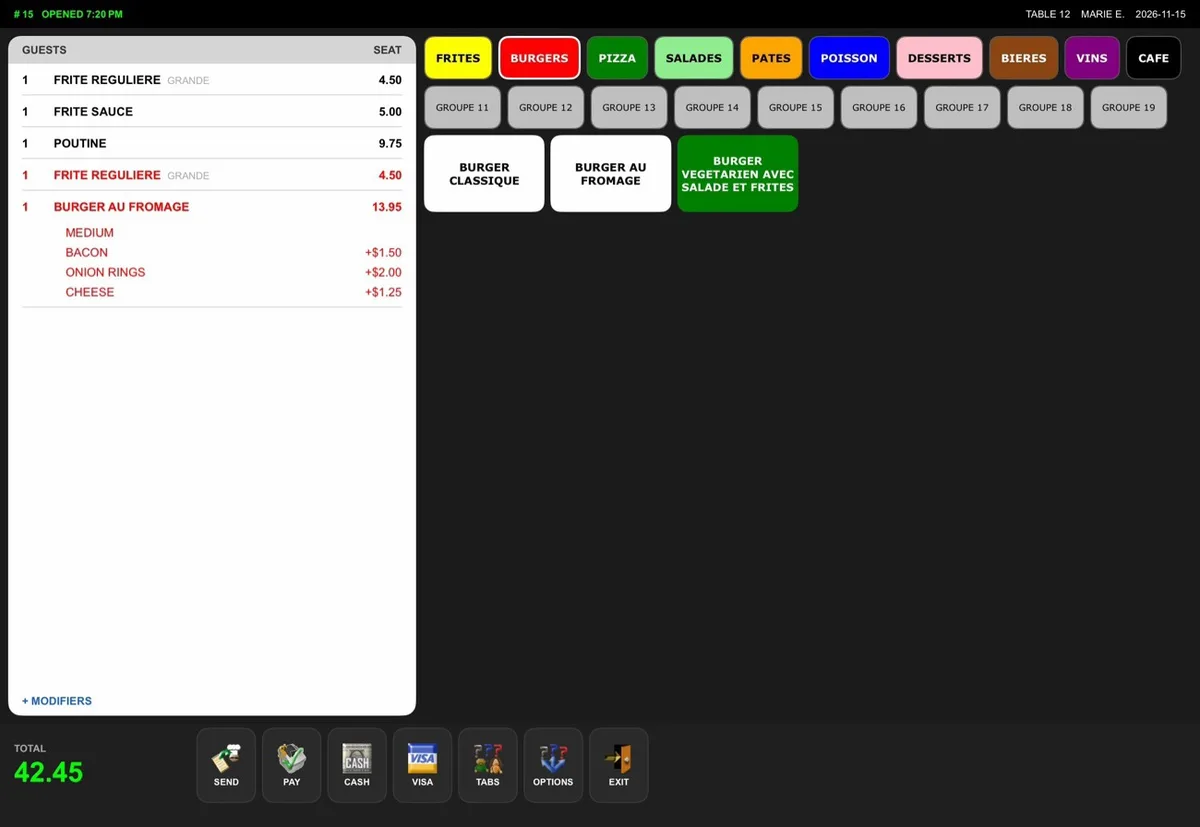
Your real menu
Menu groups, items, sizes and modifier lists come straight from WinRest, with the colours you chose. Nothing to set up twice.
Prices come from WinRest
Every price, size, modifier and tax rule is calculated by WinRest itself, so the device always shows what the terminal would. No price is ever typed or calculated on the device.
No double booking
When a server opens a table it is held for them. A second terminal sees the same message WinRest shows today: the table is occupied.
See It on iPad
Screens from WinRest for iOS connected to a WinRest test system. It also runs on iPhone, in portrait and landscape.
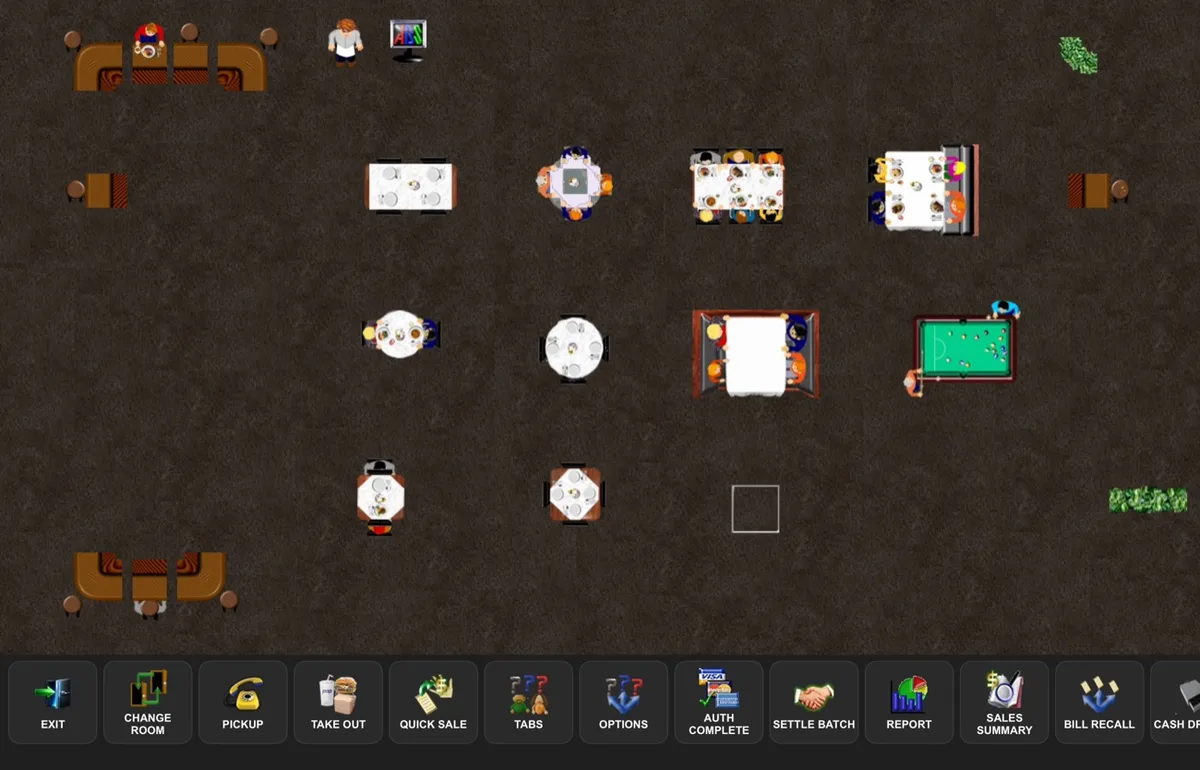
Your floor plan and table buttons
The order screen: menu and ticket
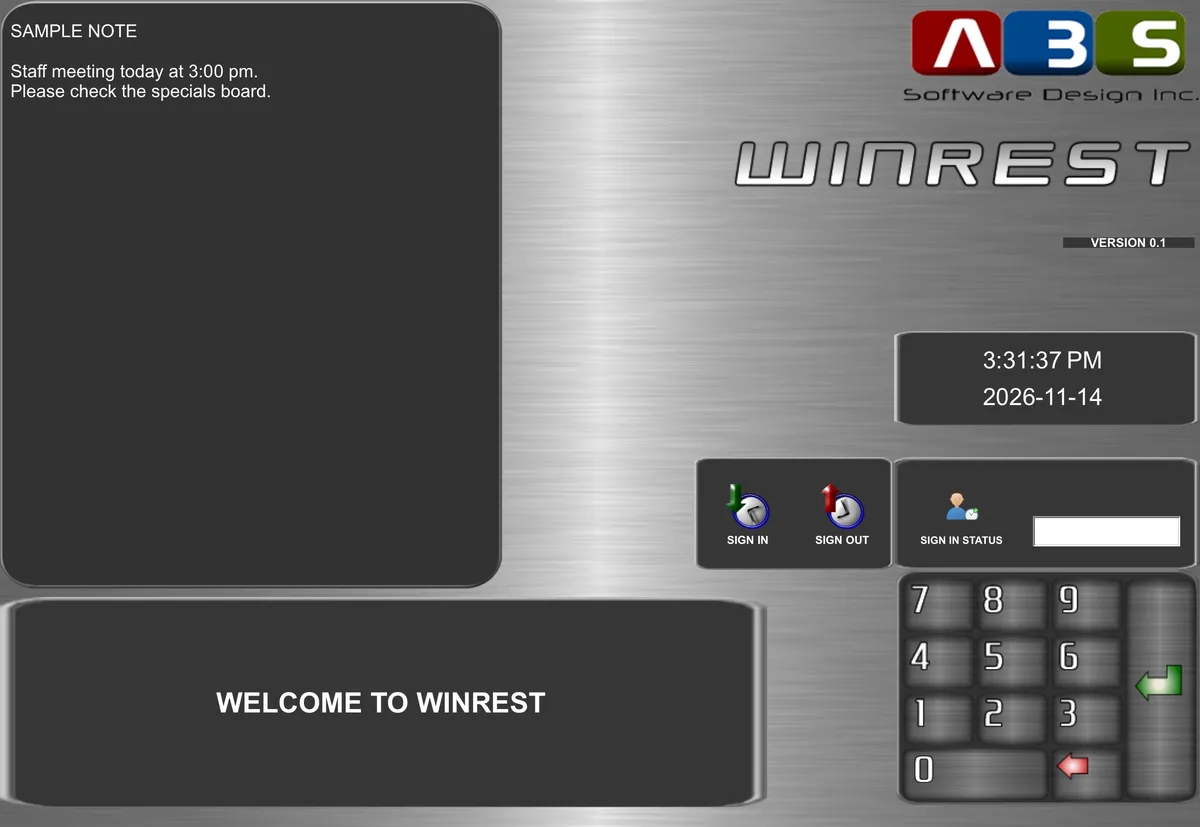
Sign in and punch clock
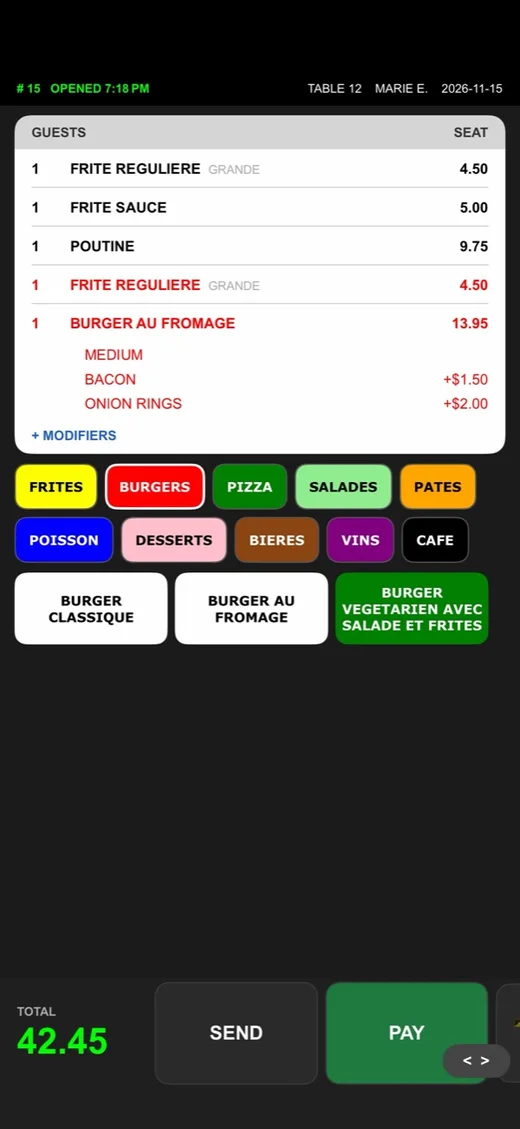
Also on iPhone
Runs on the Devices You Already Have
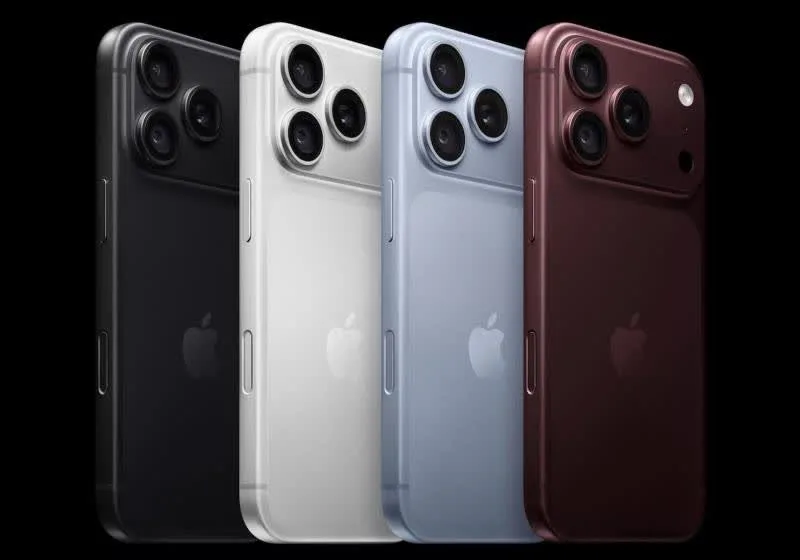
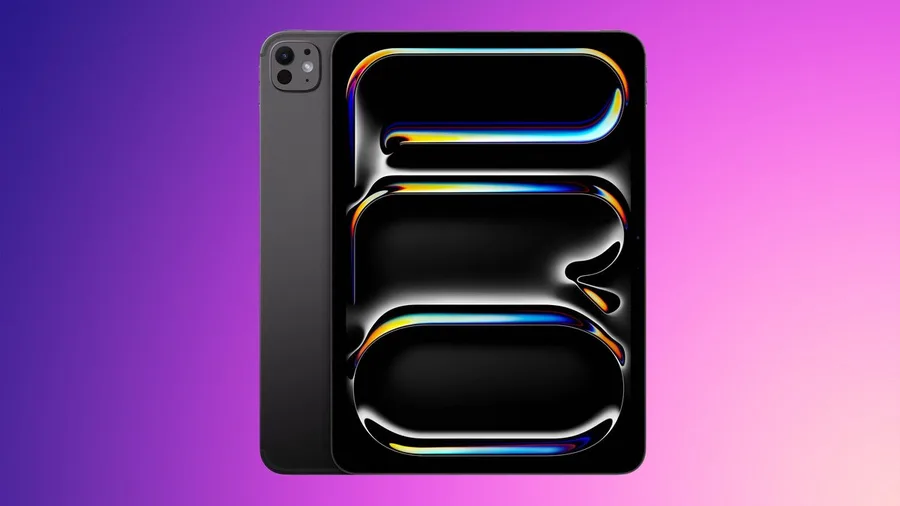
WinRest for iOS runs on iPad and iPhone, in portrait and landscape.
Set Up in Minutes
A small program, the WinRest Mobile Server, runs on a Windows station that already has WinRest. The app on iPad and iPhone talks to it over your restaurant's Wi-Fi.
- Your office creates a one-time pairing number, valid for 10 minutes
- Type it into the app: the device is paired with your system
- Employees sign in with their WinRest passwords
- Rooms, tables, menu and prices appear, straight from WinRest
What you need
- WinRest 2.0 running on a Windows station
- The WinRest Mobile Server on that station
- A Wi-Fi network your devices can use
- iPad and iPhone
Where We Are
WinRest for iOS is in active development and testing on real restaurant data. This is what you can see working today and what comes next.
Working now
- Secure pairing and employee sign-in
- Punch clock: sign in and sign out
- Floor plan with live table status
- Table-screen buttons with their pictures
- Number of guests when a table is opened
- Menu with sizes and modifiers
- Table lock between terminals
- Prices and totals from WinRest
- English and French
Coming next
- Sending orders to the kitchen
- Voids and discounts
- Bills, taxes and payment
- Adding and removing devices from WinRest
Want to see it or try it at your restaurant? Contact us.
Ready to See WinRest for iOS?
We will show you WinRest for iOS on a real WinRest system and answer your questions.
Request a Demo Call 905-278-7975Also available: WinRest for Android for Android tablets and phones.